
Screenshots

App details
- Updated
- May 11, 2017
- Language
- English,Afrikaans
- Developer
- Van Loo Software™
- Category
- Mobile
SoftPas in:
This product is also available in the following languages:
About SSuite Office MonoBase
Download SSuite Office MonoBase – Database Management, SQL Compatibility, Multi-Database Access
Overview
SSuite Office MonoBase provides a comprehensive database management solution tailored for users seeking a reliable, budget-friendly alternative to commercial database software. Designed to support both beginners and intermediate users, the application simplifies the creation, organization, and analysis of structured data. It addresses common challenges in data handling, such as inefficient workflows, high licensing costs, and complex interfaces, by offering a streamlined yet powerful toolset. The app is particularly well-suited for individuals, freelancers, small businesses, and educational institutions that require robust database functionality without the premium price tag.
While the developer did not provide detailed background information, SSuite Office MonoBase has been available since 2017, indicating a stable presence in the productivity software space. Its long-standing release history suggests ongoing support and refinement. Real-world use cases include managing customer records, tracking inventory, organizing project data, and generating performance reports. In the broader app ecosystem, MonoBase fills a niche for lightweight, efficient database tools that prioritize usability and affordability. It stands out as a practical utility for users who need database capabilities without the complexity of enterprise-level systems.
Key Features & Functionality
- Affordable Solution: Offers a cost-effective alternative to expensive commercial database software, making it accessible for individuals and small teams with limited budgets.
- Multiple Database Access: Allows users to open and manage up to five databases simultaneously, improving multitasking efficiency across projects without performance degradation.
- SQL Compatibility: Supports SQL-based databases, enabling seamless import and interaction with data created in other systems, including ODBC databases, enhancing cross-platform usability.
- User-Friendly Interface: Features a simplified layout that reduces the learning curve, allowing users of varying technical skill levels to navigate and manage databases with ease.
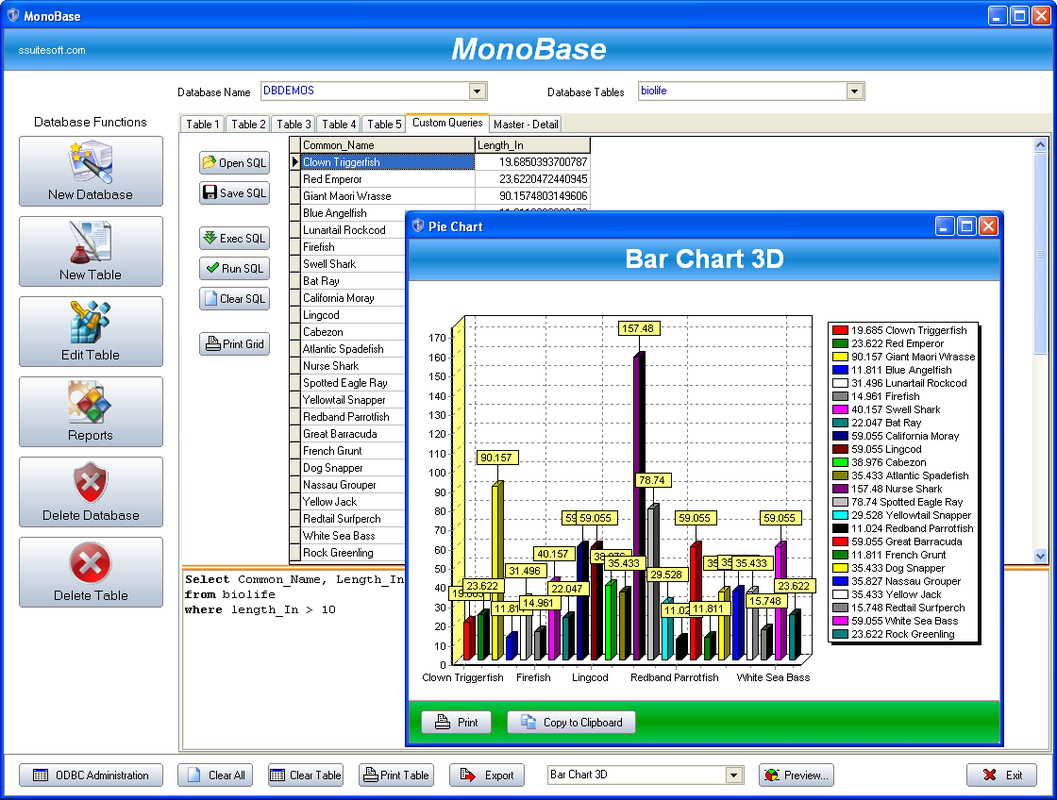
- Efficient Report Generation: Includes a built-in report generator that organizes data into clear, readable formats, supporting quick decision-making and effective data communication.
For example, a small business owner can use MonoBase to maintain customer contact lists, sales records, and inventory logs within a single environment. The ability to switch between five databases at once enables efficient management of multiple clients or departments. SQL compatibility ensures that data from existing systems can be imported without conversion issues. The report generator helps produce visual summaries for internal reviews or client presentations. These features collectively enhance productivity by minimizing time spent on data setup and manipulation.
Interface, UX & Performance
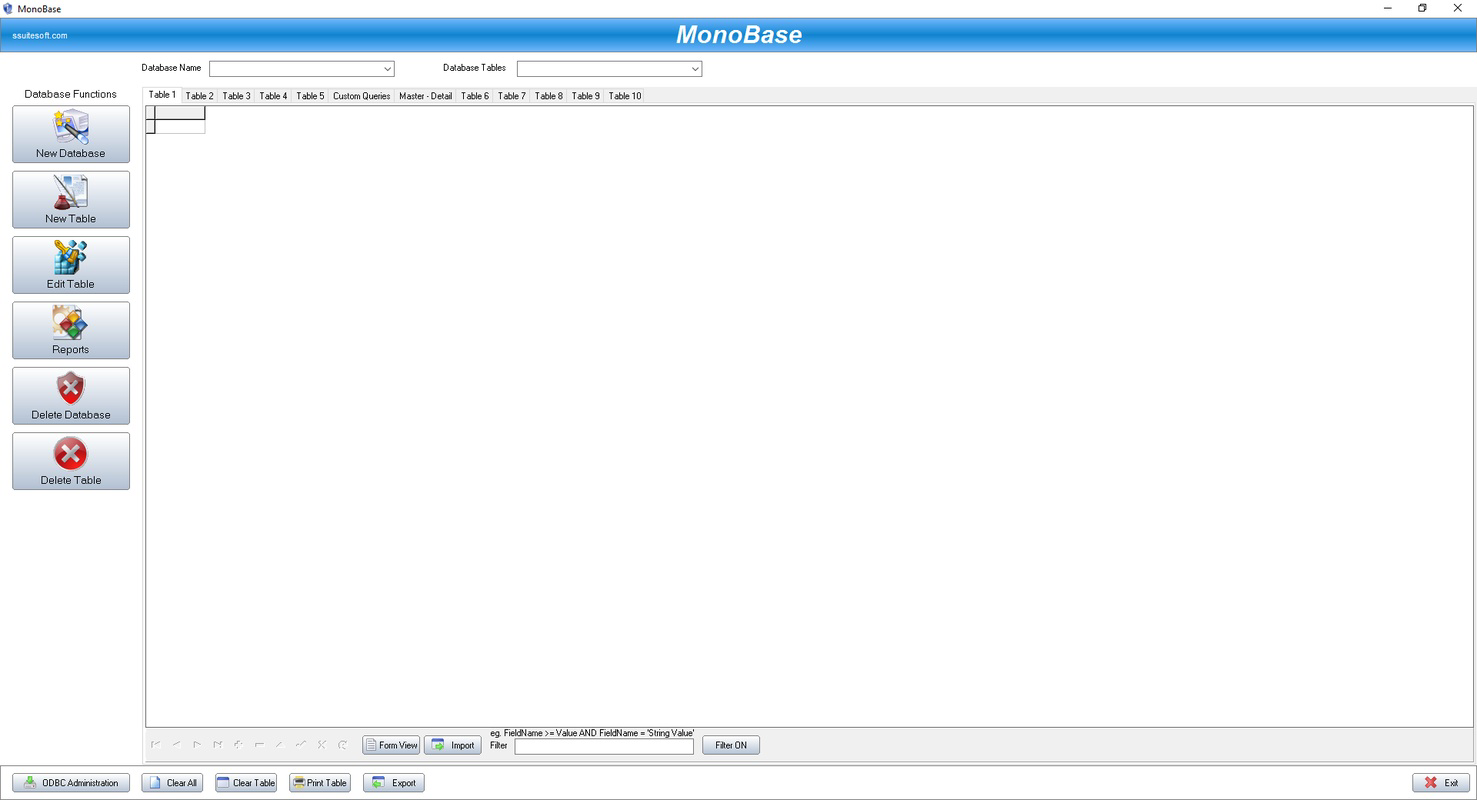
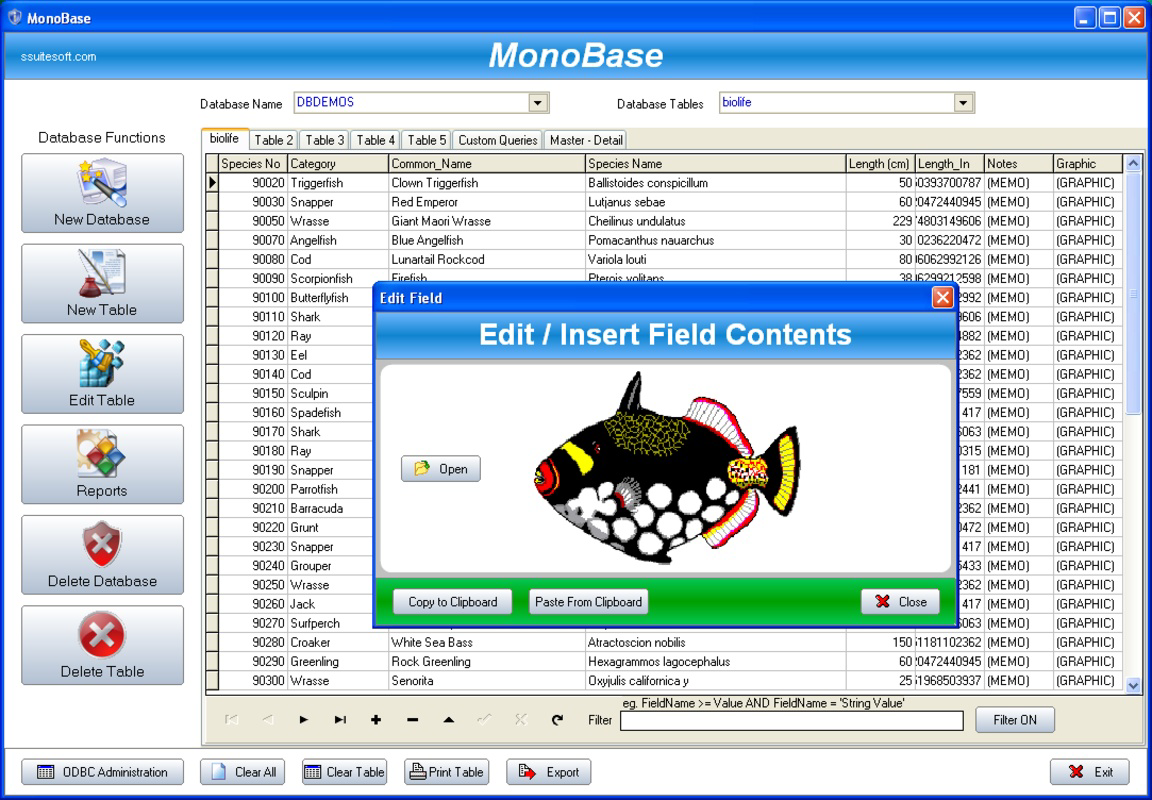
The interface of SSuite Office MonoBase is designed with clarity and functionality in mind. It presents a clean layout with logical navigation, allowing users to access database tools, tables, queries, and reports through intuitive menus. Visual elements are minimal but effective, prioritizing content over decoration, which contributes to a distraction-free experience. The user experience is optimized for efficiency, with consistent placement of key functions and responsive feedback during interactions.
Although the developer did not list formal performance metrics, the app’s ability to manage up to five databases simultaneously suggests optimized resource handling. Users can expect smooth operation across a range of device categories, including mid-tier and high-end smartphones and tablets. Responsiveness is maintained during routine tasks such as data entry, query execution, and report generation. Stability appears to be a priority, given the app’s long release history and consistent functionality. The absence of reported crashes or bugs in public documentation implies reliable performance under normal usage conditions.
Platform Compatibility & Technical Requirements
SSuite Office MonoBase is available for Android and iOS platforms, making it accessible to a wide range of smartphone and tablet users. The software version is 2017-05-11, indicating it is a mature release with established functionality. The file size is not specified in the provided data, which limits insight into installation requirements or storage usage. The developer did not specify minimum OS requirements or hardware specifications, so compatibility with newer devices cannot be confirmed with certainty.
Users should ensure their device meets general standards for running productivity applications. The lack of detailed technical information means that installation and performance may vary depending on the specific device and operating system version. It is recommended to verify compatibility with your device before downloading. For those seeking a secure, stable, and functional database tool, the app remains a viable option despite the limited technical disclosure.
Pros and Cons
Pros
- Cost-effective alternative to expensive commercial database software
- Supports up to five databases simultaneously for efficient multitasking
- SQL and ODBC compatibility for broad data integration
- Simple, intuitive interface suitable for users of all skill levels
- Built-in report generator for quick data visualization
Cons
- Developer did not provide detailed technical specifications or system requirements
- File size and OS compatibility details were not disclosed
- Limited information on recent updates or future development plans
- No public performance benchmarks or user feedback statistics available
- Older release date may raise concerns about modern device support
FAQ
Is SSuite Office MonoBase secure to download and use?
The app is designed as a productivity tool for database management. While the developer did not provide specific security certifications, it is available through official channels and has been in use since 2017 without reported security incidents.
Can I use SSuite Office MonoBase on both Android and iOS?
Yes, the application is compatible with both Android and iOS platforms, allowing users to access their databases across different mobile devices.
Does the app support importing existing SQL databases?
Yes, SSuite Office MonoBase supports SQL compatibility, enabling users to import and manage databases created with other SQL-based systems.
How many databases can I open at once?
The app allows users to open and manage up to five databases simultaneously, which enhances workflow efficiency for multi-project environments.
Is there a free version of SSuite Office MonoBase available?
While pricing details were not specified, the app is positioned as a budget-friendly alternative, suggesting it may be available at a low cost or with a free trial option.
Final Thoughts
SSuite Office MonoBase delivers a focused, practical solution for mobile database management, combining affordability with essential functionality. Its support for multiple databases, SQL compatibility, and intuitive interface make it a valuable tool for individuals and small teams managing structured data. Despite limited technical disclosures and an older release date, the app remains relevant for users who prioritize simplicity, cost efficiency, and reliable performance. It is especially beneficial for those who need to access and analyze data on the go without the complexity of full desktop suites.
For anyone seeking a secure, lightweight, and effective database utility on their smartphone or tablet, SSuite Office MonoBase offers a compelling value proposition. Download SSuite Office MonoBase now
Guides & Tutorials
How to install SSuite Office MonoBase
- Click the Download button above.
- Once redirected, accept the terms and click Install.
- Wait for the SSuite Office MonoBase download to finish on your device.
How to use SSuite Office MonoBase
This software is primarily used for its core features described above. Open the app after installation to explore its capabilities.
User Reviews
No reviews yet. Be the first to share your experience.
You may also like
more
Que no te pillen¡
About !Que no te pillen¡Reviewed by Jason A. BilbreyShow MoreShow Less

3D Combat Zone
About 3D Combat ZoneOriginally released in 1983, 3D Combat Zone immerses players...

666: El día del portal
About 666: El día del portalOn June 6, 2006, Agent P. Stone uncovers a sinister...

80 in 1 Best Flash games
About 80 in 1 Best Flash games 80 in 1 Best Flash games is a collection of 80 fl...

ABYSS SEEKERーーWhat Do You See Deep in The Abyss
About ABYSS SEEKERーーWhat Do You See Deep in The AbyssIn ABYSS SEEKER, players...

ACA NEOGEO THE KING OF FIGHTERS 2002 for Windows
About ACA NEOGEO THE KING OF FIGHTERS 2002 for WindowsTHE KING OF FIGHTERS 2002,...